Case study · Live
Anavrta
A reading and listening app. Built solo, with AI coding agents as the dev team. anavrta.com
Why I built it
I kept saving articles I never went back to. Every page had a popup, a cookie wall, or a "subscribe to keep reading". So I built the thing I actually wanted: paste a link, get the text, and it remembers where you stopped.
What it does
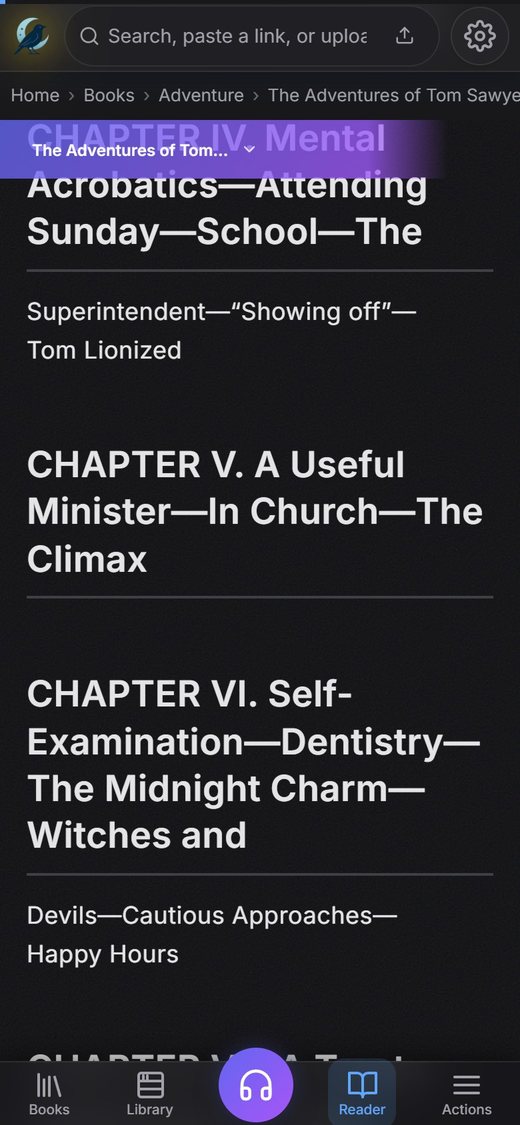
- Turns any web page, PDF or EPUB into clean text you can read without distractions.
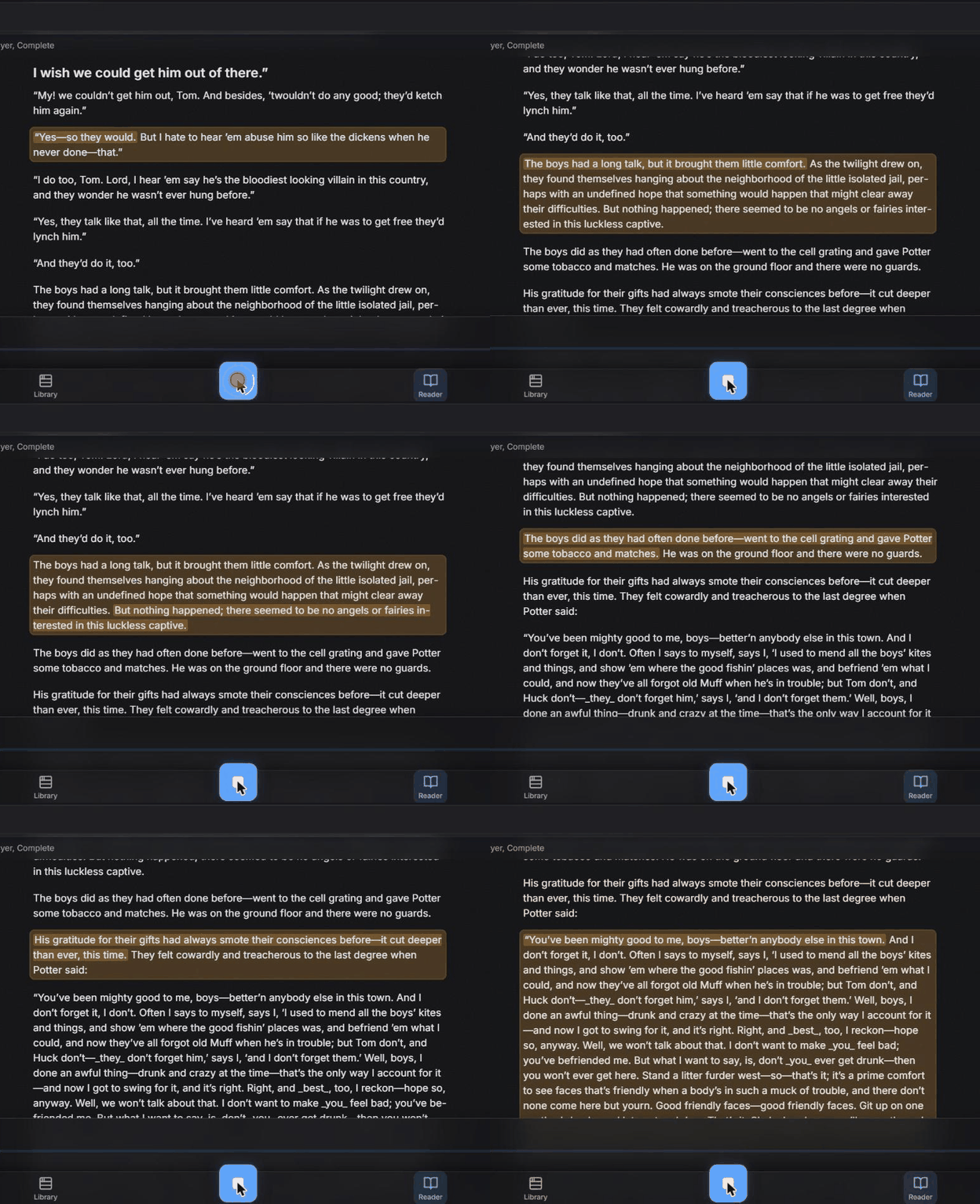
- Reads books aloud. The voice runs on the phone itself, so after one download it works offline as well, and keeps playing with the screen locked.
- Translates a line or explains a word if you get stuck.
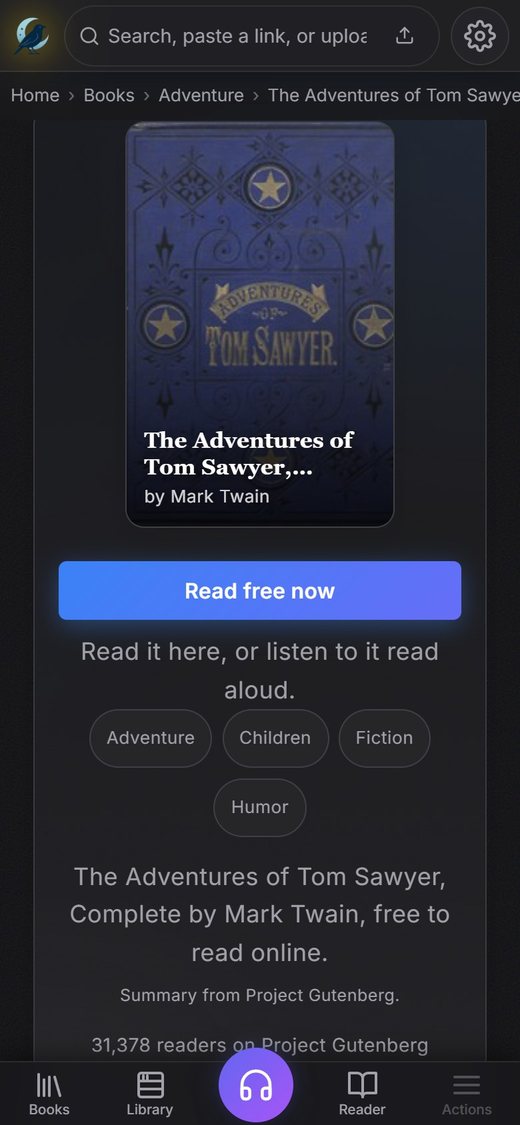
- A library of public domain books to read and listen to, with over 1,000 book pages built so Google can find them.
- Opens without a connection once you have used it before.
The hard parts
The AI voice was not the hardest bit. Getting it to keep playing when the phone screen locks took longer than the whole voice part. Phones treat short audio clips differently from a long stream, so I had to make the voice behave like one continuous stream instead of a sentence at a time.
The other one was big books. A complete Shakespeare is a few megabytes of text, and if you try to process all of it at once the server runs out of memory. So the app only processes as much as it needs to get you started, and brings in the rest as you read.
Under the hood
TypeScript web app, Supabase for the database and server functions, an on-device voice model, error tracking and analytics set up properly from the start. Every decision is written down with the reason, so anyone can pick it up later.